
A lightweight, powerful automation tool
TinyTask is a lightweight auto clicker for gaming and daily tasks. Save time and boost productivity with this user-friendly tool. It’s one of the most useful tools for Windows users, especially those who are often troubled by repetitive tasks. With this free Windows automation tool, you can easily record and repeat actions.
Top Recommended Alternative

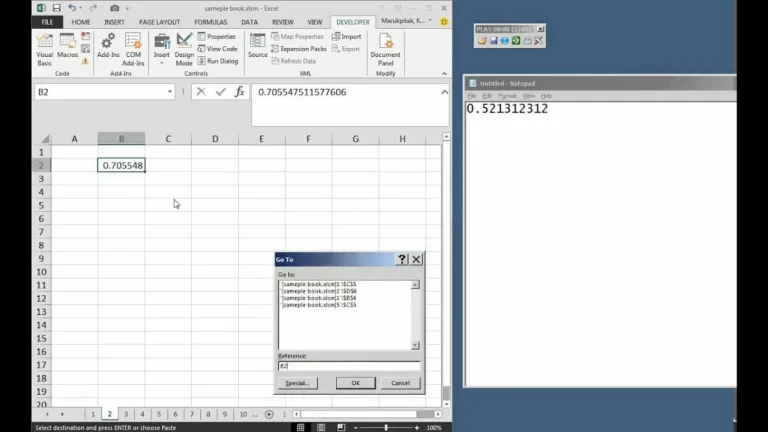
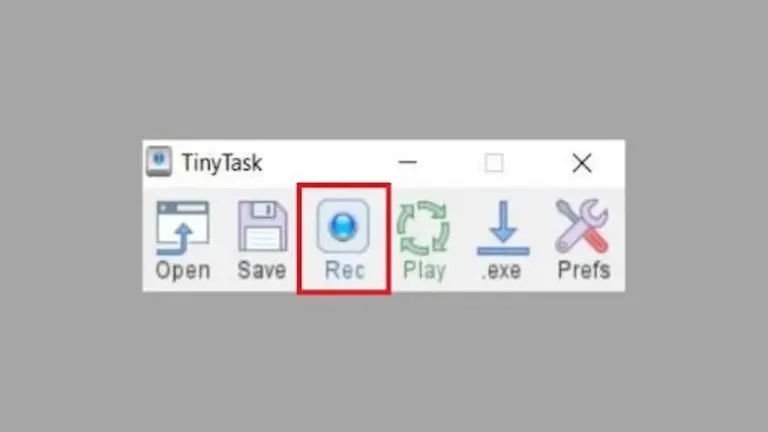
TinyTask lets you record processes, which can be used as macros with the click of a button. As the name suggests, the app is lightweight and doesn’t require more than a few seconds to install. In fact, it doesn’t even require coding or scripting to automate processes.
Automate repetitive processes within a couple of clicks
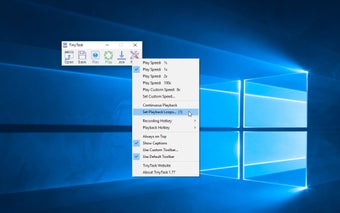
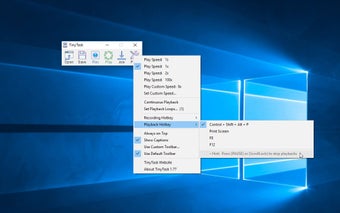
TinyTask is a straightforward, simple, and easy-to-use application. Unlike complicated programs, this one doesn’t require you to possess technical skills or scripting knowledge. With this lightweight application, you can easily automate tasks on PCs. All you need to do is record the screen, and the app automatically creates a specific macro. You can easily repeat the action anytime. Like MacroMaker, this app comes with a single screen, which features an intuitive and simple interface.
One of TinyTask’s biggest advantages is its portability. Since it runs as a standalone executable, users can carry it anywhere and launch it instantly. This makes it useful for quick automation on shared computers or work environments where installation is restricted. It also consumes very few system resources, reinforcing its reputation as a minimal system footprint tool that works smoothly even on older devices.
Simple yet practical
TinyTask has remained relatively unchanged in recent years, with updates being infrequent and mostly focused on maintaining compatibility rather than adding new features. The tool continues to be shared widely because it still works reliably for its intended purpose. This slower development pace is a support concern for those who prefer actively evolving software, although its simplicity helps it remain useful even without constant updates.
That said, it’s best viewed as a basic macro recorder rather than a full productivity platform. It does not offer advanced scheduling, conditional logic, or integration with other automation ecosystems. Users who outgrow its simplicity may need to move to more powerful tools like AutoHotkey. For beginners, however, TinyTask provides a gentle introduction to automation. The main downside remains its lack of advanced features, which limits how far users can take it beyond repetitive tasks.
A simple macro tool that still delivers
TinyTask remains a reliable choice for users who want quick automation without complexity. Its lightweight design, portability, and easy record-and-repeat system make it perfect for handling repetitive clicks and everyday PC routines. While it lacks advanced scripting, scheduling, or modern feature updates, its simplicity is exactly what keeps it useful. For beginners or casual automation needs, TinyTask is a practical time-saver.